How We Release a New Version
List & Label 26 is gearing towards RTM. We've been blogging about the progress and upcoming new features for some time now. This time, however, I'd like to share some insights into what happens as we shift near RTM.

As with every new version, there's always a lot more "under the hood" that's being added than we're able to document and reveal here in detail. This post sums up a couple of new features and changes for our .NET support in version 26.
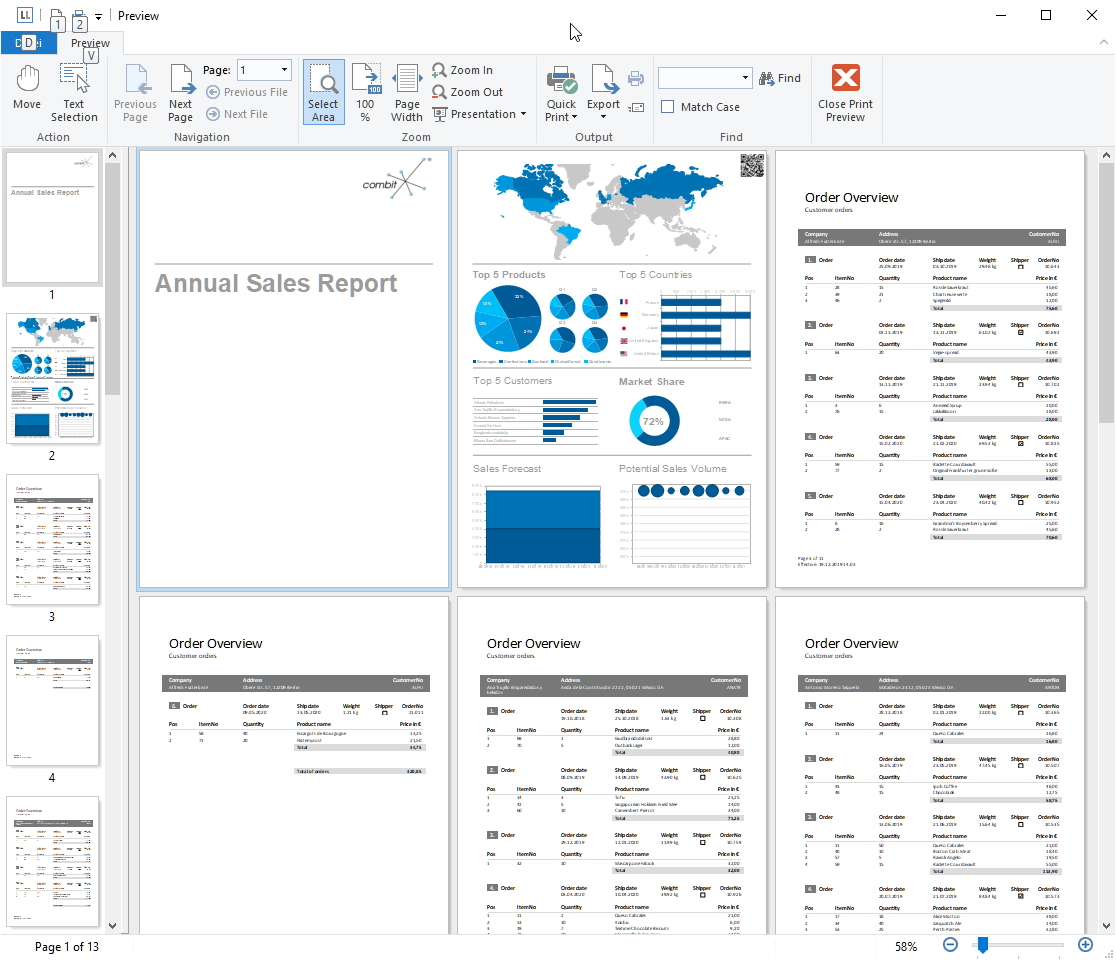
This has been another FAQ without a really good answer – how can I get a report with completely different parts like a cover sheet, a table of contents, some tabular reports, some charts and images, then a text block and so on?
Often reports consist of similar, repetitive sections like a number of charts or crosstabs just filtered for different categories but otherwise identical. Or tables and subtables that have a preselected set of columns you want to have wherever this table is used. List & Label 26 now helps you and your users to get rid of the tedious task to maintain such reports and apply changes to all instances of objects. You can add real subreports that contain exactly the required items and maintain those in one single place.
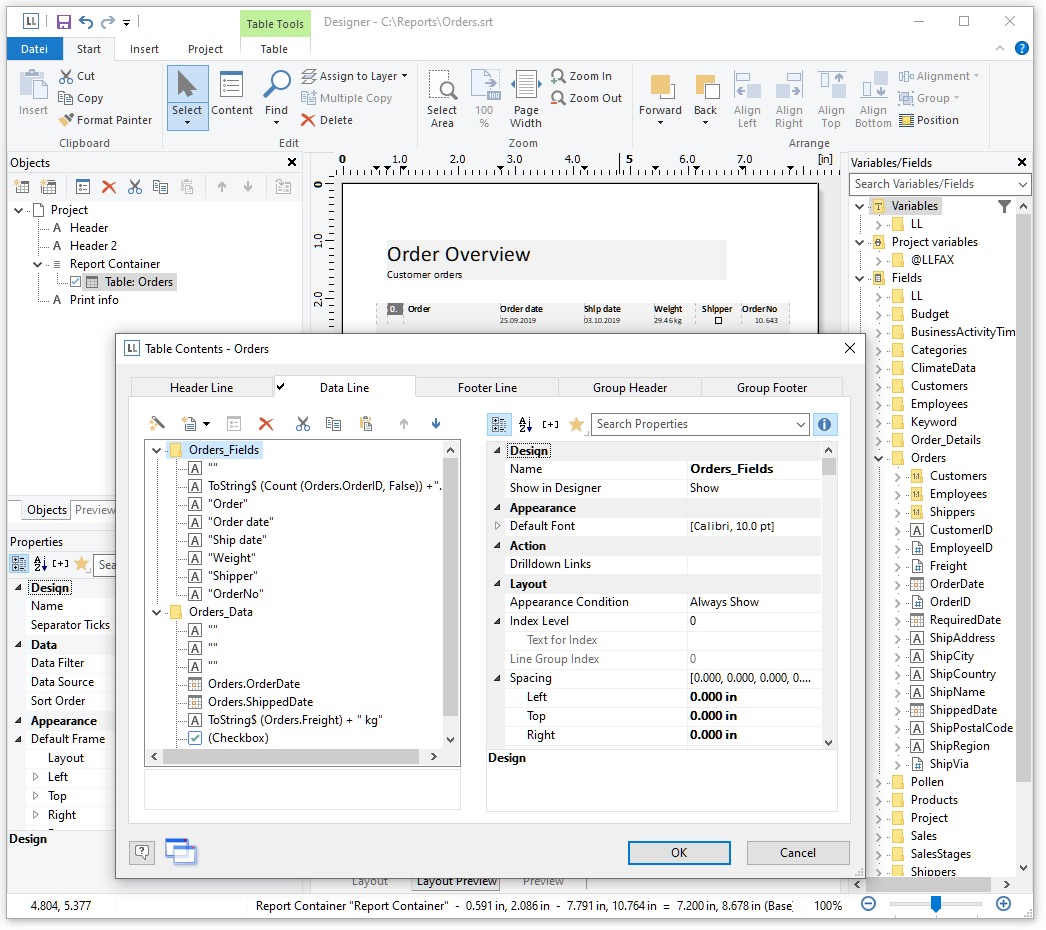
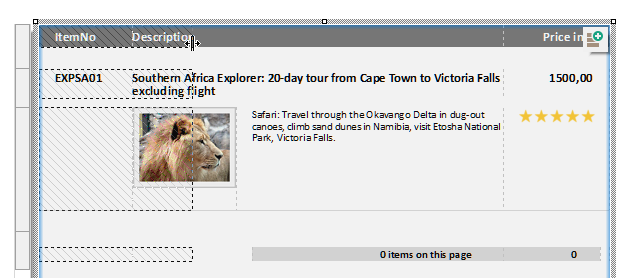
After improving the crosstab’s Drag & Drop capabilities in version 24, it was time to overhaul the table’s D&D support as well. The last major change here dates back to 2015 – so without any further ado here’s what will be added in version 26.
As with every new version, we have updated List & Label in a lot of different places to make it smoother to use, more modern and accessible. So to continue with this tradition, here are some treats in List & Label 25 you might have overlooked so far.
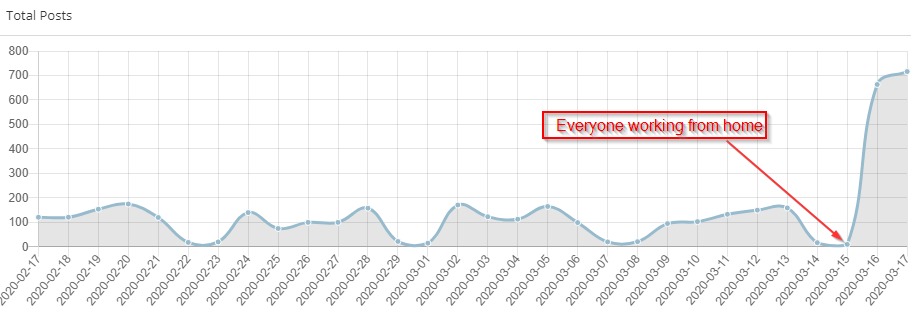
As we all are affected by the infamous COVID-19 outbreak I assume many of you are working from their home offices just as we do. We had the luck (aka foresight) to prepare this early on so we were up and running in less than a day. Nevertheless, once we started, there were a couple of challenges we were facing. I thought I'd share some nuggets here that might be useful to you.
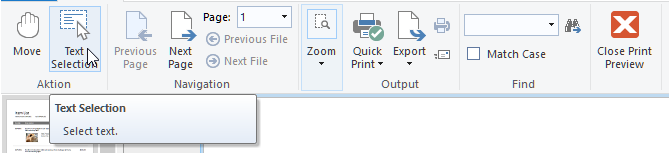
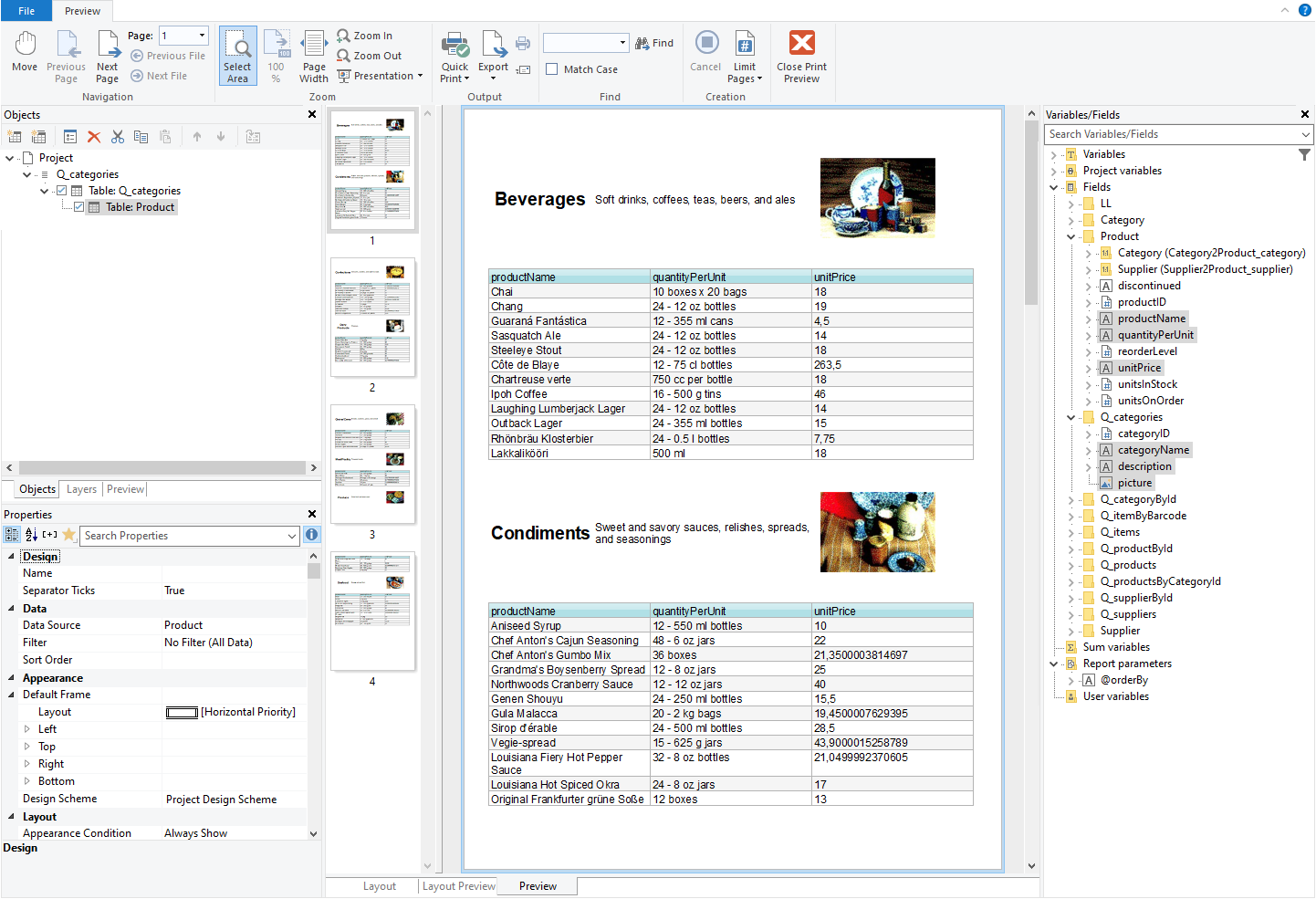
Creating preview files is all well and good. However, when you needed to access the texts within the preview for post processing, you had to resort to a text export, finding the relevant strings and copying them from there. In LL25, we added a powerful way to extract texts from a preview, directly from within the preview window.
GraphQL was publicly released in 2015 and became quite popular since then. It's used by a number of big web applications like Instagram, Facebook and others.
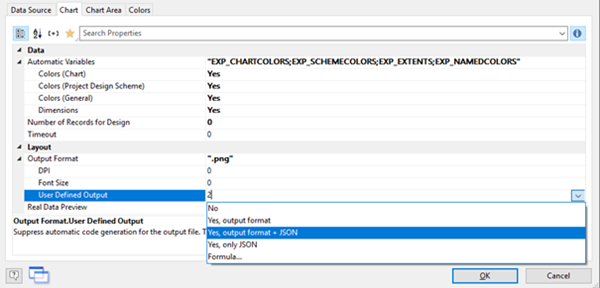
While for standard tasks the default mechanism for Rscript rendering of List & Label might be sufficient and convenient to automatically generate the png, jpeg or svg chart output from a Rscript on the fly, there might be situations where you simply desire more control.